
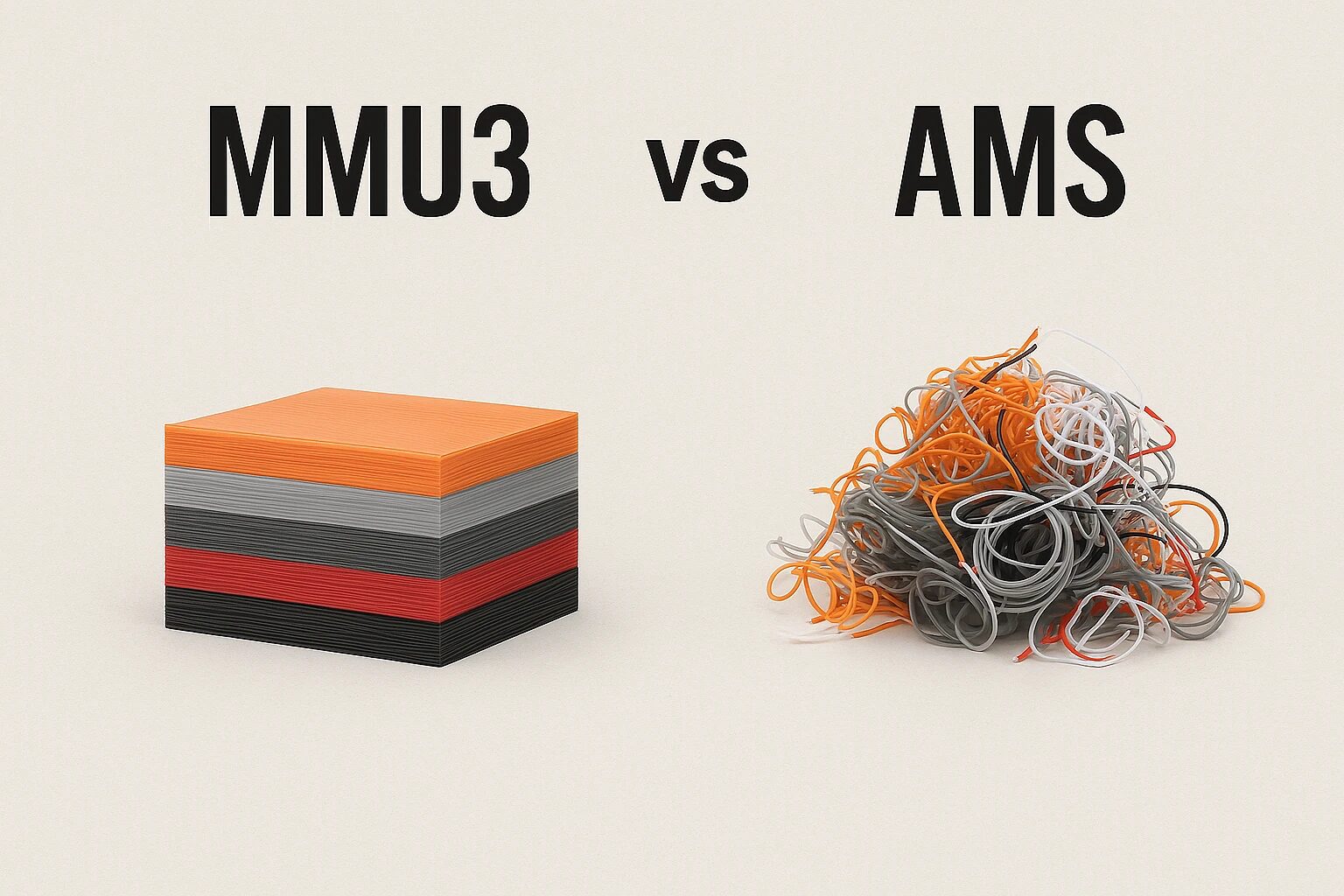
Multi-material 3D printing has transformed from a niche feature to a powerful tool for both hobbyists and professionals. Systems like Bambu Lab’s AMS and Prusa’s MMU3 now make it possible to print complex, multi-color, or multi-material models without constant manual intervention.
What is Multi-Material 3D Printing?
Multi-material 3D printing allows you to print objects with different colors or materials within a single job. This enables functional prints—like using flexible TPU for grips and rigid PLA for structure—or simply vivid, colorful models.
Bambu Lab AMS: Smart Automation
The Bambu Lab AMS (Automatic Material System) is tightly integrated with the Bambu Lab ecosystem. (See the Bambu Store for Bambu Lab AMS price and availability). It supports up to four spools natively and can be daisy-chained with additional units for up to 16. The AMS handles filament switching automatically and features RFID spool detection, humidity control, and cutter systems to prevent jams. Combined with Bambu Studio and high-speed CoreXY printing, AMS is a true plug-and-play solution.
- Pro: Seamless integration and automation
- Pro: Advanced filament handling with RFID & humidity control
- Con: Only compatible with Bambu Lab printers
- Con: Closed ecosystem limits flexibility for tinkerers

Prusa MMU3: Open Source Versatility
The Prusa MMU3 (Multi Material Upgrade) builds on Prusa’s long-standing MMU line. (Check the Prusa store for the latest Prusa MMU3 price). It’s an add-on that allows the MK3S+ and MK4 to print with up to 5 different materials. The MMU3 uses a selector and filament buffer system to manually load/unload filament through a single extruder. While not as automated as AMS, MMU3 offers a tinker-friendly open-source platform with broader material and printer compatibility.
- Pro: Works with open-source printers and firmware
- Pro: Affordable upgrade to existing printers
- Con: Requires precise calibration and maintenance
- Con: Slower material switching and more prone to jams
- Con: Currently does not support latest Prusa CoreOne printer
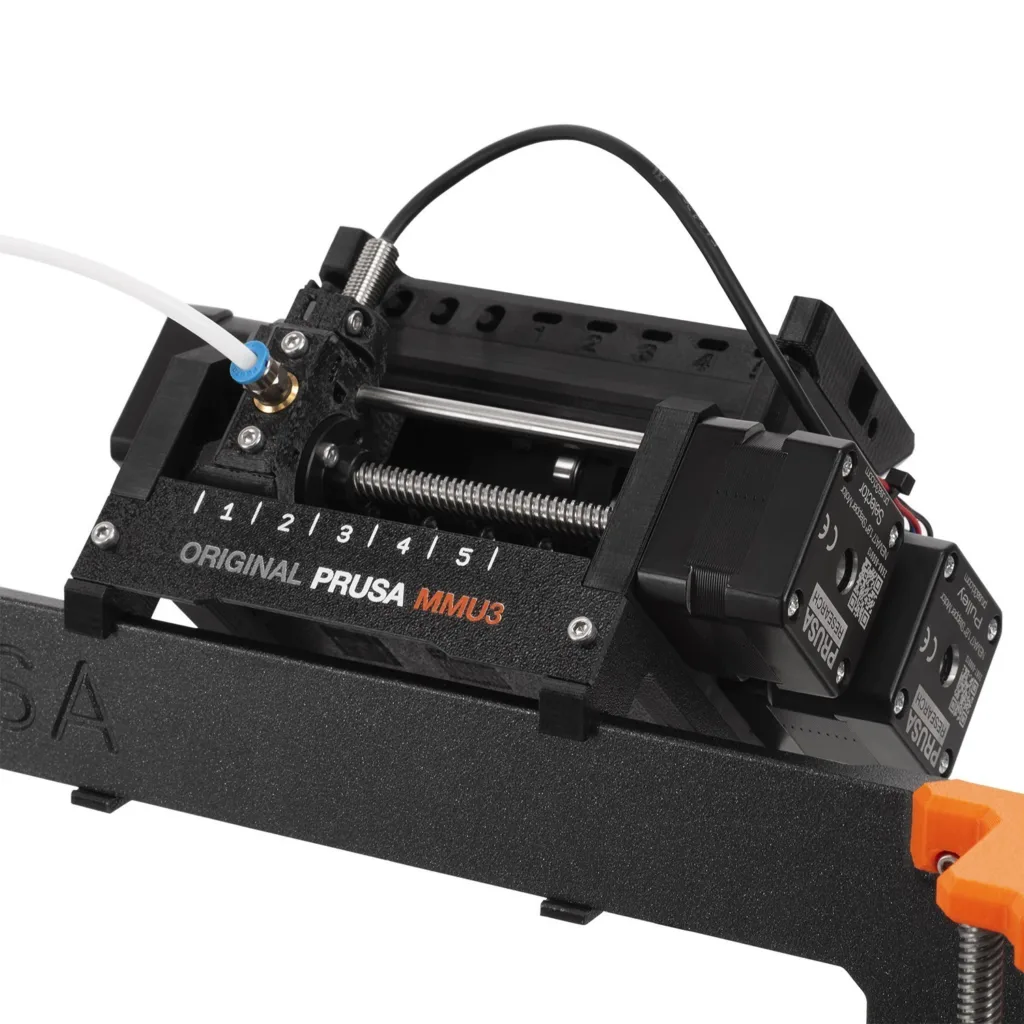
Comparison Table: Bambu AMS vs Prusa MMU3
| Feature | Bambu Lab AMS | Prusa MMU3 |
|---|---|---|
| Max Filaments | 4 (up to 16 with chaining) | 5 |
| Compatible Printers | X1, P1 series | MK3S+, MK3.5, MK4 (CoreOne is not supported) |
| Ease of Use | Beginner-friendly | Requires tuning and knowledge |
| Waste | High (poop chute + purge blocks) | Lower (mostly purge block only) |
| Filament Detection | RFID-enabled, smart features | Basic sensor integration |
| Software Integration | Excellent with Bambu Studio | Great with PrusaSlicer |
Key differences and use cases
In practice, the Bambu Lab AMS shines in reliability and speed. Filament changes are quick and error-resistant thanks to onboard sensors and active management. On the other hand, the MMU3 may require occasional intervention. Successful prints with MMU3 depend heavily on filament quality, PTFE tube maintenance, and precise extruder alignment.
Filament Waste and Efficiency
One common concern with AMS is filament waste. A popular review video showed that a 125g model used up to 600g of filament due to purge waste. Prusa’s MMU3, while slower to switch materials, wastes significantly less filament and offers settings like “wipe into infill” to reduce waste further.
Material Compatibility
AMS does not handle flexible filaments like TPU well. Users often resort to manual loading workflows for TPU, while MMU3 can handle flexible materials with proper tuning.
User Experience & Setup
- AMS: Seamless experience for Bambu users. Plug-and-play design, great UI.
- MMU3: Reliable but requires calibration and understanding of retractions and filament paths. Open-source and upgradable.
Alternatives
- Creality CFS: Modular, supports up to 16 colors.
- Enraged Rabbit Carrot Feeder (ERCF): DIY and powerful for Voron + Klipper users.
Final Thoughts
If you’re looking for ease of use and fast printing, go with the Bambu AMS. If you want more control, material compatibility, and lower waste, the Prusa MMU3 might be the better option. Both are excellent systems pushing the frontier of desktop 3D printing.
Before making a purchase, be sure to make sure your slicer of choice will support your multi-material printing setup (see our review of slicers here: In-depth Comparison of 3D Printing Slicers: Orca Slicer, PrusaSlicer, and BambuSlicer).